Wallper 1.5: Wallpapers That Get Out of the Way on Their Own
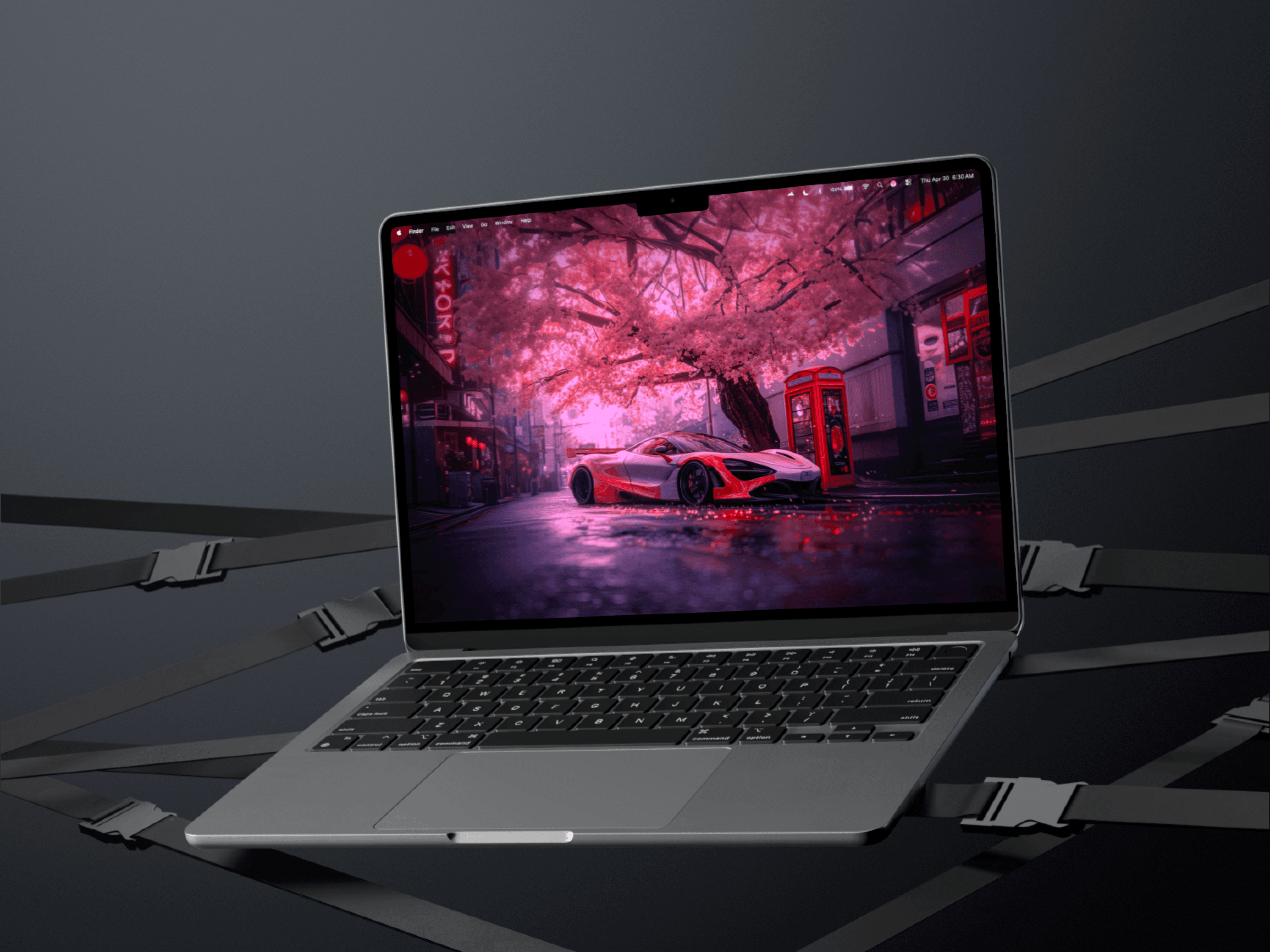

Playback quality presets, automatic pausing during fullscreen apps and high CPU load, real-time settings, and a reset trial for everyone.
A live wallpaper should be the first thing to give way when your Mac gets busy.
It is the least important process running, and it is competing with whatever you actually opened the computer to do. Version 1.5 is built around teaching Wallper to notice that on its own, rather than waiting for you to decide.
Because this release changes so much about how playback behaves, the trial has been reset for everyone. If you tried Wallper months ago and found it heavier than you wanted, this is a fair moment to look again.
Playback Settings
There is a dedicated Playback tab with real control over the rendering engine.
Quality runs through four presets. Auto reads your hardware and picks. High prioritises image quality. Balanced is the middle. Performance gives up visual fidelity for the lowest possible footprint, which is the right answer on an older Mac or during a heavy work session.
Beneath that are explicit ceilings for maximum resolution and frame rate. Capping a 4K 60fps wallpaper to 1080p at 30 is often visually indistinguishable behind a desktop full of windows and costs a fraction of the resources. A wallpaper is not a film, and it does not need to be treated like one.
There is also a real-time volume slider and control over transition duration, both applying instantly as you move them.
Current performance figures are on the performance page.
It Notices When You Are Busy
Three behaviours, all automatic.
Fullscreen pauses playback. Open anything fullscreen and the wallpaper stops. It is completely hidden at that point, so continuing to decode video for it is pure waste. This is the single biggest saving in the release for most people, because fullscreen is where a lot of the day is spent.
High CPU load pauses playback. If system CPU passes 80 percent, the wallpaper yields. Compiling, exporting video, running a large build: whatever is happening, it has a better claim to the machine than the background.
Battery reduces rendering quality. Rather than stopping outright, quality steps down to preserve energy, extending the Battery-Aware Mode approach with something less blunt than a full pause.
Both the fullscreen and CPU monitors use debouncing, so a brief spike or a window flicking in and out of fullscreen does not produce visible stuttering. Pausing at every momentary threshold crossing would be more annoying than never pausing at all.
And if you pause manually, that choice persists across restarts. An explicit instruction outranks any automatic rule.
Settings That Apply Immediately
Changes now take effect across the whole app the moment you make them.
Adjusting playback parameters no longer makes the video flicker, and volume changes reach every active wallpaper at once. Neither requires reloading the video library first.
This sounds like housekeeping and it changes how the settings feel to use. When a control responds instantly you can tune by eye, trying values until it looks right. When each change costs a reload you set something plausible, close the window, and never touch it again.
Under the Hood
Memory leaks in the Explore view are fixed, unnecessary object cycles in preview components are gone, and the URLCache footprint is smaller. Leaks matter disproportionately in an app that runs from login to shutdown: a slow leak in something you quit every hour is invisible, and in something you never quit it is a Mac that feels worse by evening.
A priority inversion in the screen saver manager was also resolved, giving more predictable resource use during long sessions.
Launch at Login now uses improved SMAppService synchronisation for consistent background startup, with clearer errors when the system blocks it. The menu bar gained instant preview updates and more reliable playback state tracking across multiple displays.


