Wallper 1.3.4: The App Shrinks From 50 MB to 27 MB
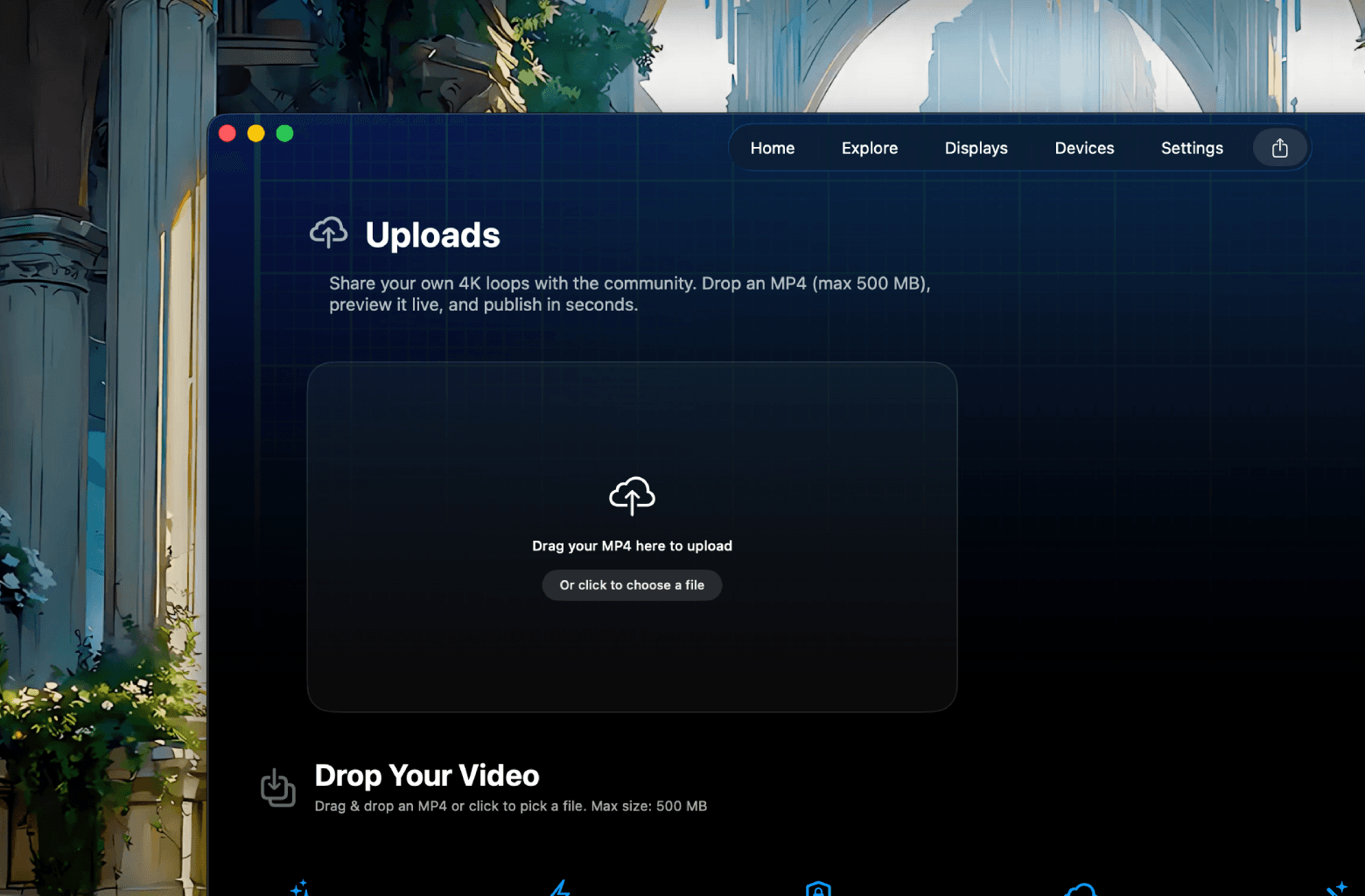

App size cut nearly in half, a fixed publish flow with real-time upload status, fewer false negatives on licence checks, and a repaired Settings panel.
The headline number here is that Wallper is now about 27 MB, down from roughly 50 MB.
Halving the size of an app is not usually the sort of thing that changes anybody's day. In this case it changes two, because Wallper updates itself silently in the background, and a smaller binary means updates that download faster, install sooner and are less likely to be interrupted on a slow or metered connection.
It also sets a marker. A live wallpaper app has no business being large, and letting the download creep upward release after release is how software ends up at 300 MB with nobody able to say quite when it happened.
Publishing Fixes
The Upload and Publish flow now reports itself accurately.
Button states and interface acknowledgements are consistent, so pressing publish visibly does something. The uploads view reflects status in real time rather than showing a snapshot from whenever you last opened it, which means an upload that is processing looks like it is processing instead of looking abandoned.
This continues the work from 1.3.1, where the underlying validation and storage paths were fixed. That release made publishing work. This one makes it visible. Both were necessary, and the second matters more than it sounds, because a creator who cannot tell whether their upload succeeded will assume it did not and upload it again.
The uploads support page covers the current flow.
Licence Checks
Licensing edge cases are handled, with fewer false negatives.
A false negative here means the app failing to recognise a licence that is perfectly valid, which is the worst category of bug in any paid software. Someone has paid, and the product is telling them they have not. Everything else in a release is secondary to that not happening.
The pricing page covers what is included in each plan, and licence and devices explains how a licence applies across Macs.
Interface Repairs
Settings, Application no longer shows an empty state. It had been rendering blank for some users, which made a section of the app look broken and left its settings unreachable.
The back arrow on Home has a larger hit area. The visible arrow has not changed size; the clickable region around it has. Small targets are a well known source of quiet friction, and this is the most-used navigation control in the app.
Seasonal note: the Halloween wallpaper has been retired for the year. It will be back.


