Wallper 1.0: Live Wallpapers Arrive on Mac
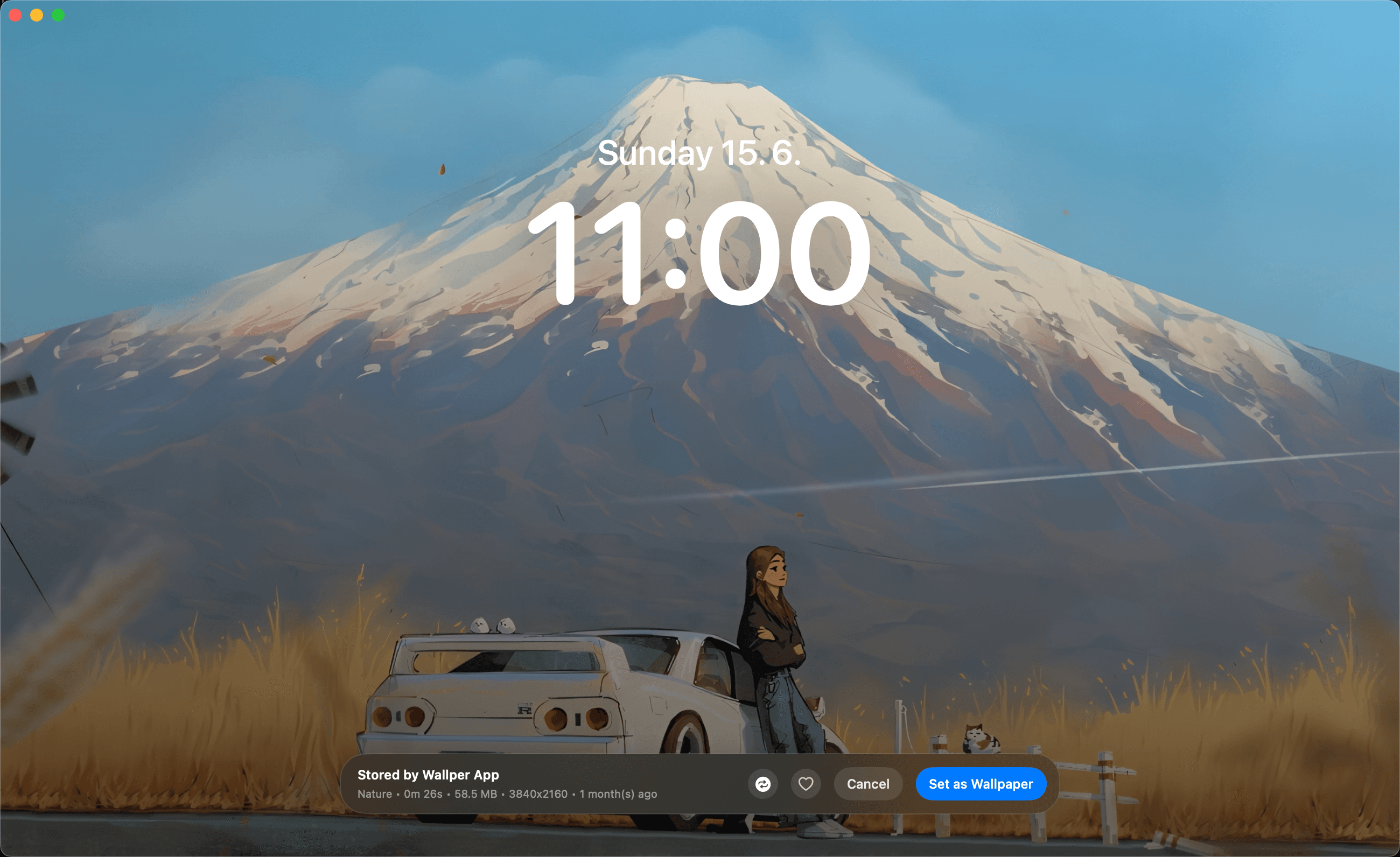

The first release of Wallper. Smooth 4K live wallpapers for macOS, simple controls, and an app built to stay light enough that you forget it is running.
Windows users have had this for a decade.
Wallpaper Engine turned an animated desktop into something ordinary on a PC: a library, a browser, a couple of settings, done. On a Mac the same idea has always meant terminal commands, unmaintained utilities, or accepting that your desktop is a still photograph and moving on.
That gap is the entire reason Wallper exists. Version 1.0 is the first attempt at closing it.
What Version 1.0 Does
Three things, and only three.
Smooth live wallpapers. Video plays behind your icons without stutter, without tearing, and without the frame drops that make an animated desktop feel worse than a static one. This is the part that has to be right before anything else matters.
Simple, intuitive controls. Open the app, browse the library, preview a wallpaper, apply it. There is no configuration step between wanting something and having it. A wallpaper you have to set up is a wallpaper you will not change.
Lightweight and secure. Wallper does not ask you to disable System Integrity Protection, hand it administrator rights, or install anything alongside it. There is a long tradition of Mac customisation tools that require exactly those things, and we would rather ship less than ask for that.
The Part We Care Most About
If a live wallpaper costs you performance, it is not worth having.
That sounds obvious and it is routinely ignored. It is straightforward to build something that looks wonderful in a demo and quietly eats several percent of your CPU for the rest of the day. Nobody notices immediately. They just find their Mac feels slightly worse and never connect it to the wallpaper.
So the constraint we set at the start was that Wallper has to be light enough to forget about. Not light for a video app. Light enough that you would not think to check.
We have not finished that work in 1.0, and we know where the weak points are. It is the standard everything gets measured against, and the performance page keeps the current numbers honest.
A Note on the Library
The wallpaper library is online, which means online wallpapers need an internet connection to browse and download.
Once a wallpaper is downloaded it is yours and plays offline like any local file. The connection is for fetching new things, not for keeping old ones working. There is more detail in is an internet connection required.
What Happens Next
This is a first release and it will look like one in places.
We are shipping in small, frequent updates rather than saving changes up for large ones, so fixes reach you in days rather than quarters. If something is broken or missing, the fastest way to influence what gets built is to say so.
The full commit history is public on GitHub.


