Wallper 1.0.6: Around 83 MB of RAM, and One Fewer Setting

Memory use down to roughly 83 MB in typical operation, file sizes shown on wallpaper cards, a removed Loop toggle, and macOS 14 startup problems resolved.
This release removes a feature, adds a number, and fixes a startup bug. The removal is the interesting one.
Goodbye to the Loop Toggle
Version 1.0 shipped with a Loop setting that let you decide whether a wallpaper repeated or played once and stopped.
It is gone, because the second option is not a thing anyone wants.
A wallpaper that plays once and stops is not a wallpaper. It is a video that has finished, leaving a frozen final frame behind your icons for the rest of the day, which is a worse outcome than either a moving wallpaper or a still image chosen deliberately. In practice nobody switched it off, and the people who did switch it off did so by accident and then wondered why their desktop had stopped moving.
A setting that has one correct value is not configuration. It is a way to break the app that we built on purpose and then shipped. Removing it means fewer controls, a cleaner surface, and one less way for a wallpaper to end up in a state nobody asked for.
Memory: Around 83 MB
Typical memory use is now approximately 83 MB.
For a comparison, a browser tab with a moderately busy page on it will often use more, and Wallper is playing video continuously behind everything you do. The number matters because the app never quits: it runs from login to shutdown, so whatever it holds is held all day.
Startup is also faster across a broad range of Macs, including older hardware where the previous version had been noticeably slow.
Measuring this yourself is possible from inside the app, using the usage graph added in 1.0.8, and the current figures live on the performance page.
File Size on Cards
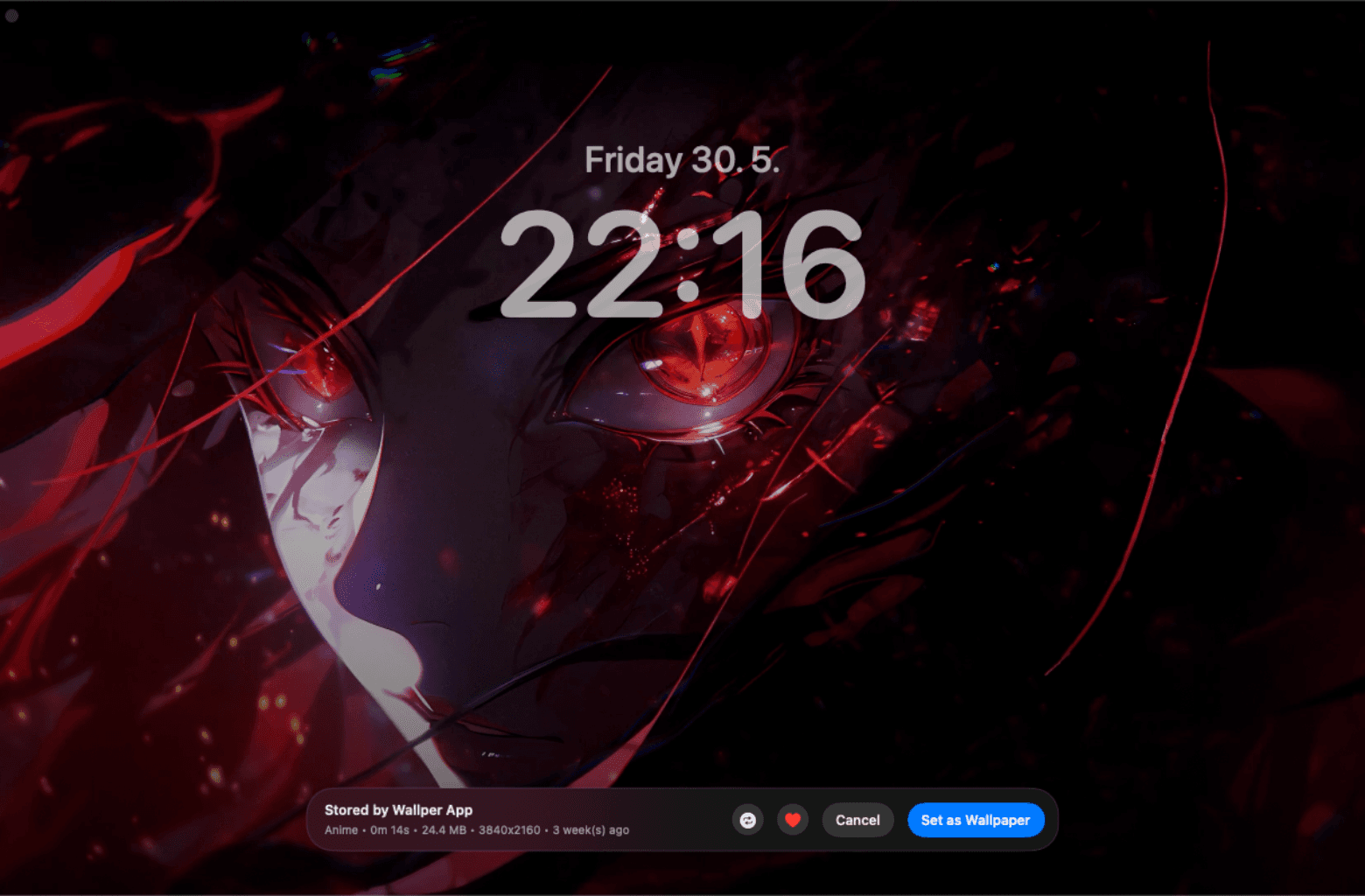
Each wallpaper card now shows its file size.
This sounds like a detail and turns out to matter, because 4K video files vary enormously. Two wallpapers that look equally good in preview can differ by several hundred megabytes depending on how they were encoded, and until now there was no way to know before downloading.
On a tethered connection, a metered one, or a MacBook with a nearly full disk, that is exactly the information you want in advance rather than afterwards. How much space wallpapers take on disk covers storage in more detail.
Fixes
The filter bar now reliably displays, applies and clears. Previously it could end up in a state where a filter appeared active but was not, or refused to clear without restarting the app, which made the library feel unreliable in a way that was hard to describe precisely.
Startup problems on macOS 14 are resolved. This affected a meaningful number of Sonoma users and made the app appear not to launch at all, which is about as bad as a bug gets.


